
LAPTOP REPAIRED IN 3 EASY STEPS
CALL NOW TO DISCUSS A LAPTOP COLLECTION TODAY
Want to use our services?
You can book in your repair here to get you back up and running soon!
Why Us?
Todays Tip from Adam Eng BSc (Hons)
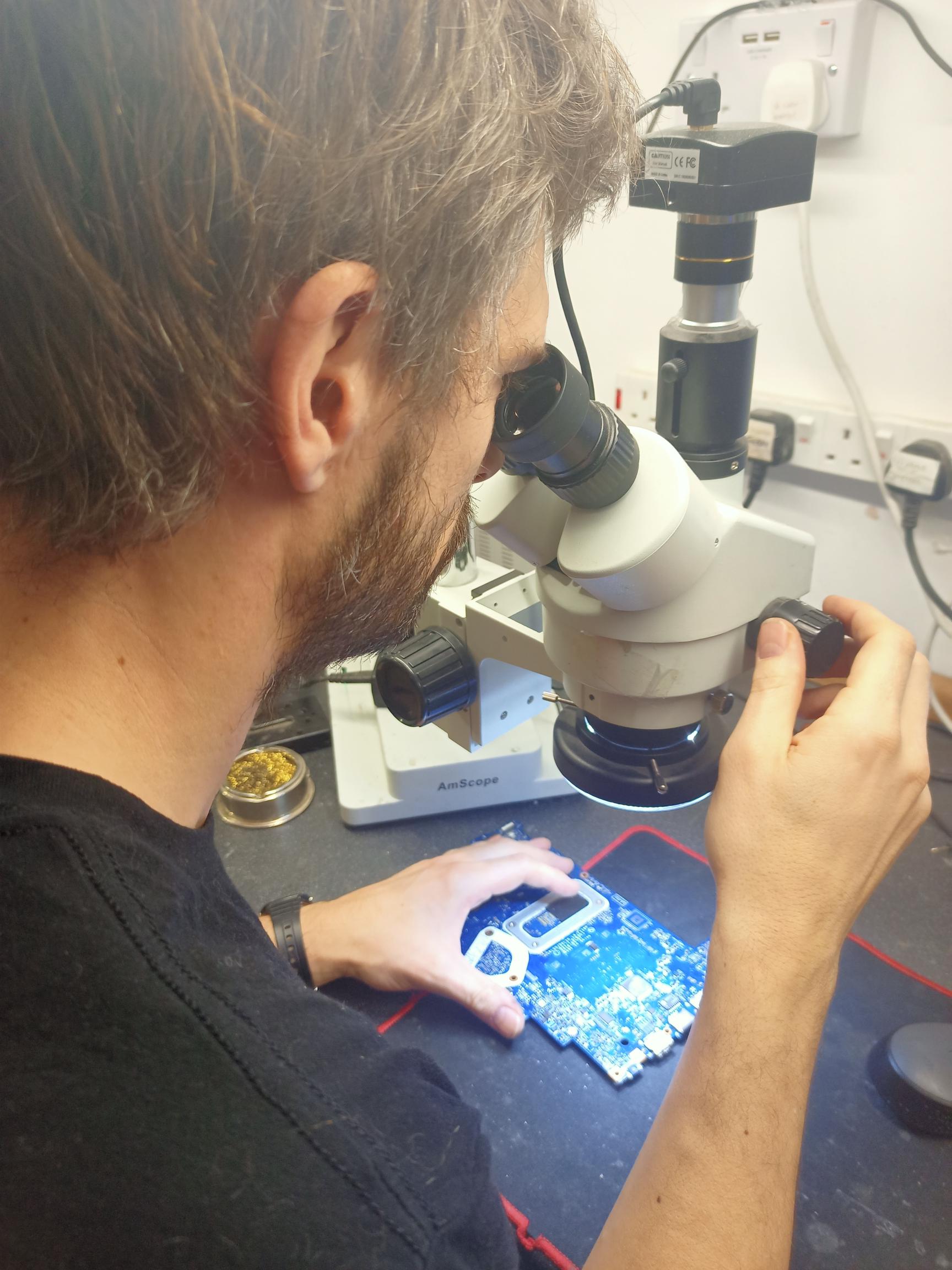
How to look after your laptop and electronics
The good news is it’s simple to keep your electronics clean
- Vacuum dust from your laptop, don’t blow it inside
- Always be careful with the hinges
- With spills, remove any power first then drain out excess
- If cleaning the screen wet the cloth first not the screen
- Always Back up your pictures and documents online or externally
It’s also always good to use genuine power adaptors this may help the life of your device.
Some laptops do tend to run hot. We have a free service if we need to open the laptop, which in most cases we do. We can remove any excess dust in the fan if needed.


